
Backtesting
Practice on historical candles and keep simulated trades linked to journal evidence.
Backtesting details ↗THE CHRONICLE WORKFLOW
Build a repeatable record of what you did, what you saw, and what you learned.
THE JOURNAL
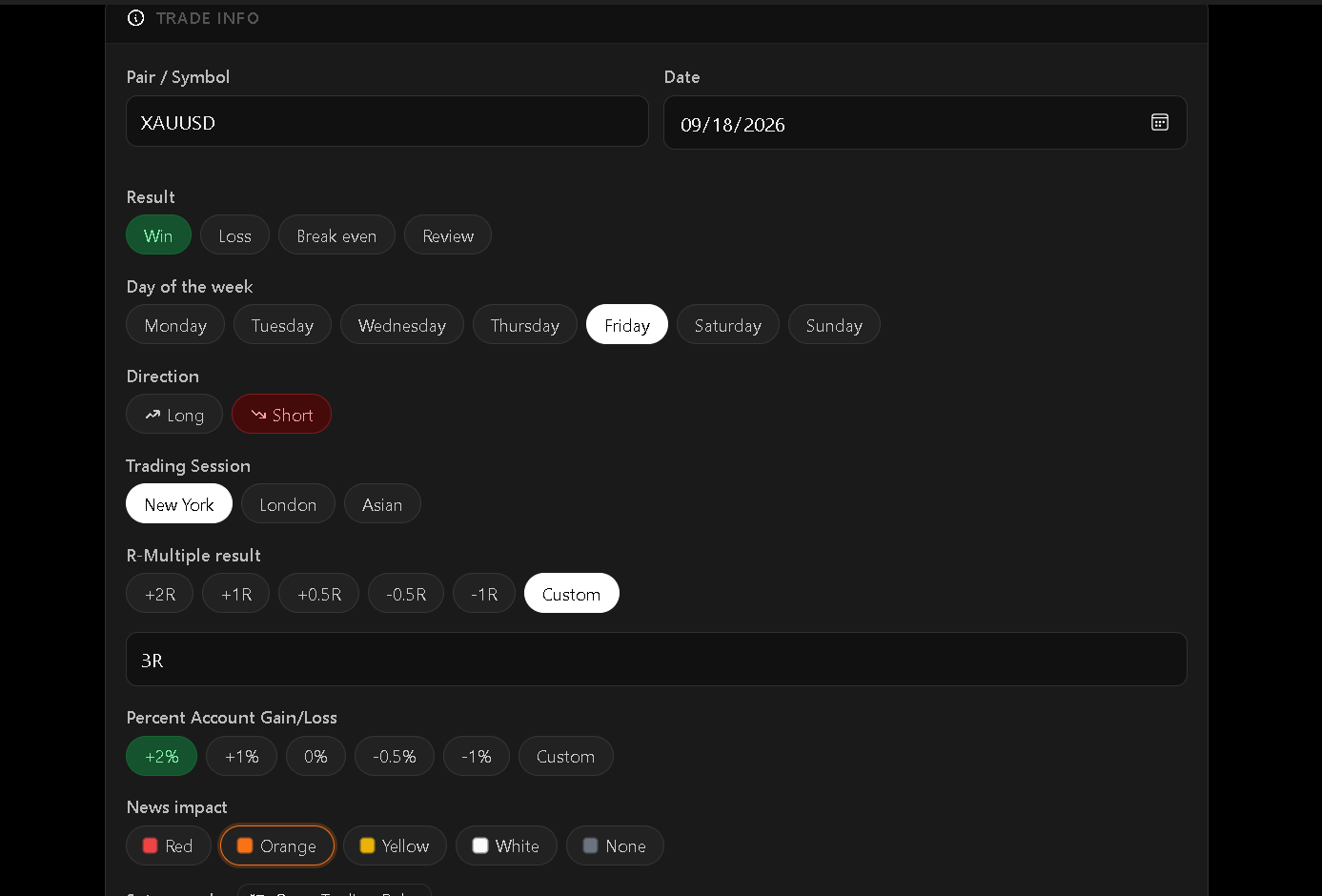
Keep setup details, session, outcome, psychology, lessons, and chart images together. Organize trades into separate strategy profiles.
CHART EVIDENCE
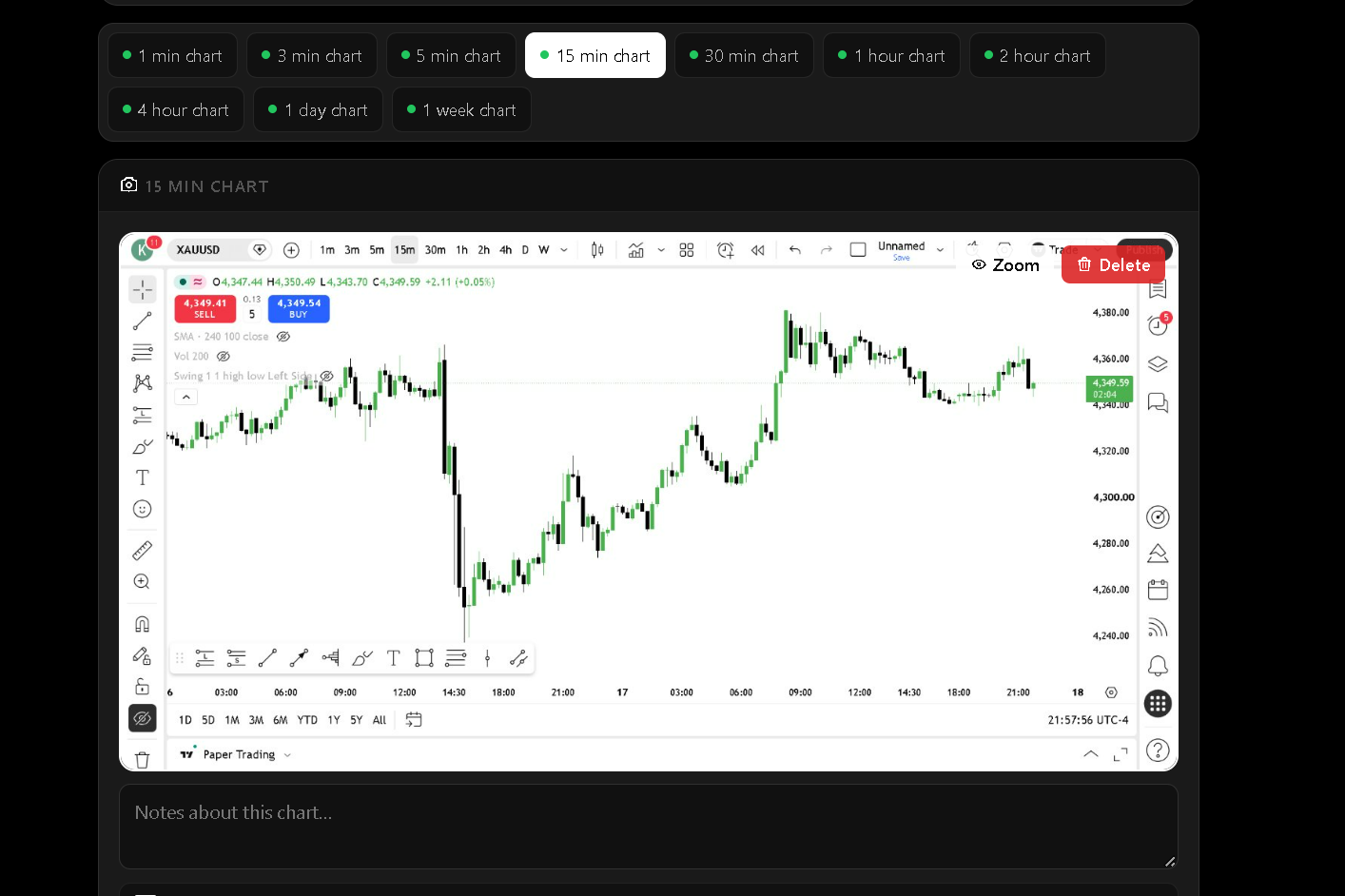
Paste or drag in an image, capture your Charts window, or start a batch capture for selected timeframes. In backtesting, Chronicle Trading can automatically save an execution chart when a simulated trade closes.
Batch capture is started by you and needs the Charts window visible.
Practice on historical candles and keep simulated trades linked to journal evidence.
Backtesting details ↗Move beyond a simple P&L total to investigate patterns in your trading.
Analytics details ↗Chronicle Pro adds AI Coach and trade analysis with 200 Chronicle Credits resetting monthly.
Compare plans ↗YOUR NEXT TRADE STARTS WITH EVIDENCE
Start with a free journal. Move to Chronicle+ when you're ready to replay, capture, and review more deeply.